Chrome Extension
Report on matching sites from the Chrome Web Store extension, with no script on the page.
SnagRelay - Intelligent Bug Capture injects the report button on the sites you list. Nothing goes into your page's code, which makes it a good fit for sites you can't edit, or for testers and clients on staging.
When a project's install channel is Chrome extension, matching pages get the report button from the extension. Reports land in the same project inbox as any other channel.
Set it up (project owner)
- On the project, open the Install tab and choose Chrome extension.
- Under Sites to show it on, enter one host per line, for example
example.com. Use*.example.comfor subdomains. Click Save. - Add SnagRelay - Intelligent Bug Capture from the Chrome Web Store (Chrome, Edge, or Brave) and open the popup.
- Click Sign in as owner and sign in to SnagRelay (email and password, or Google). Every project you own loads automatically, with no token to copy.
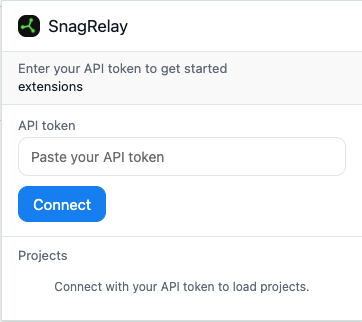
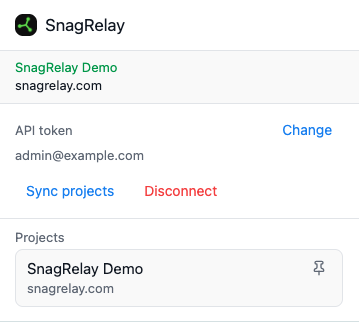
Invited people
If you were invited, open the popup and click Authenticate. Enter the email you were invited with, then the 6-digit code we send. It works on any computer, without opening the invite link again.
The access email's hub also has Authenticate Chrome if you already opened the invite link in this browser. See Your access.
Don't use Sign in as owner unless you own the dashboard account.
Why sign-in is per person
The extension runs as a signed-in person, not as an anonymous page script, so each report is attributable. The project API key used by the script tag, WordPress, and the SDK isn't used in the extension.
Leaving the extension channel
Choosing Script, WordPress, or React Native on the Install tab turns off extension injection for that project. Your sites list and other project settings stay.
How reporting works
- Visit a page that matches the project's sites.
- Click the report button, point at the problem, and submit.
- The element, console, network, and replay context are captured automatically and the report appears in the project inbox.