Project Setup
AI Enhancement
AI-generated titles, technical context, and automatic enrichment toggles.
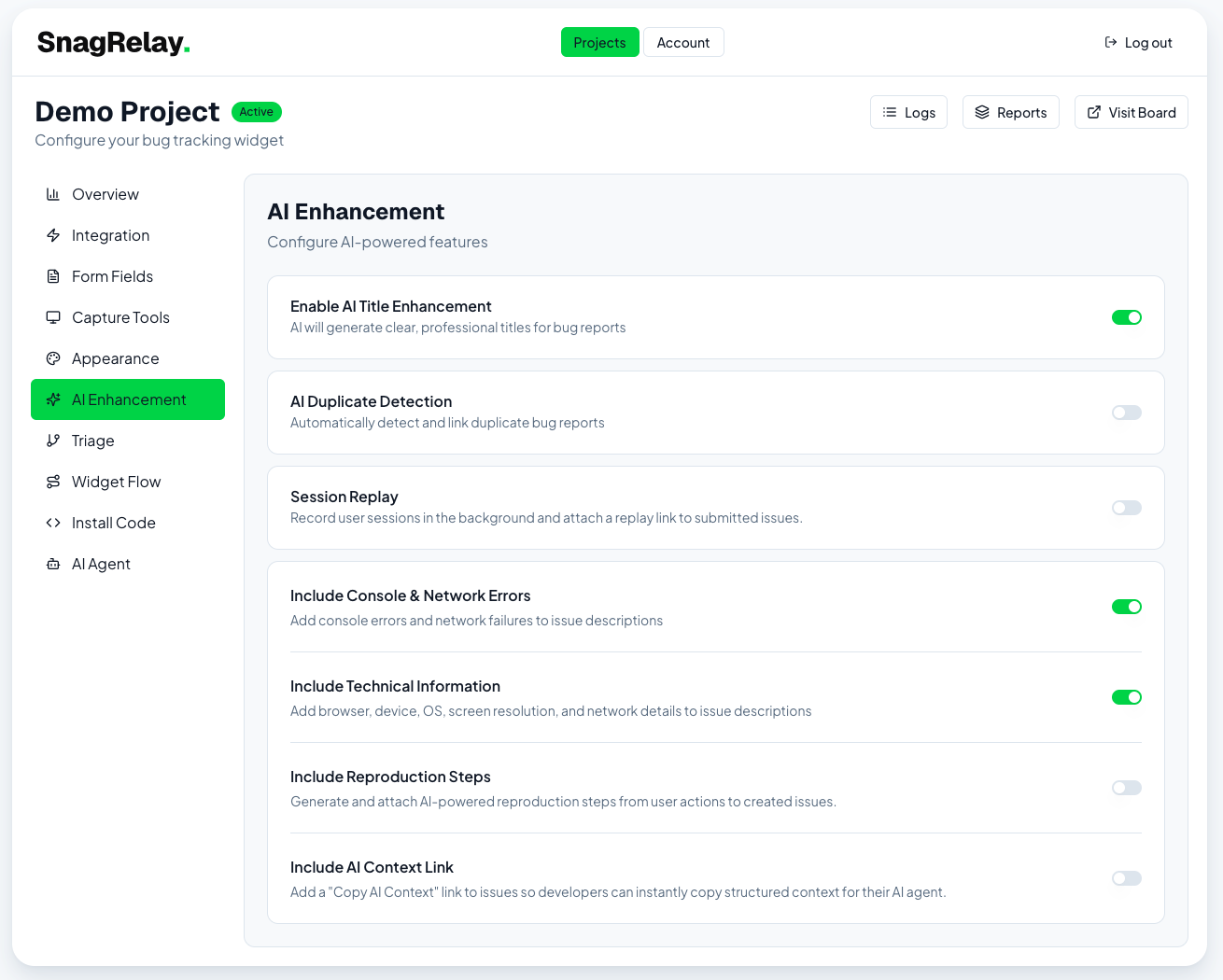
The AI Enhancement tab controls what AI adds to a report before it reaches your tracker. For the full picture of what each feature does, see AI Features.
| Toggle | What it does | Plan |
|---|---|---|
| AI title writer | Generates a clear, professional title instead of using the reporter's raw text | All |
| Include console log | Adds captured console errors/warnings to the issue description | Studio+ |
| Include tech info | Adds browser, device, OS, screen resolution, and network details | All |
| Include reproduction steps | Attaches AI-generated step-by-step repro instructions | Studio+ |
| Include AI context link | Adds a "Copy AI Context" link so developers can paste structured context into their own AI agent | All |
| Include session replay link | Adds a link to the session replay recording, if one exists | Agency |
| Duplicate detection | Automatically detects and links duplicate bug reports | Studio+ (hash-based) / Studio+ (semantic) |
See Duplicate Detection for how the hash vs. semantic methods differ, and Reproduction Steps for how repro steps are generated.
For assignment, priority, and label automation, see Triage Rules — a separate tab.
Screenshot