Project Setup
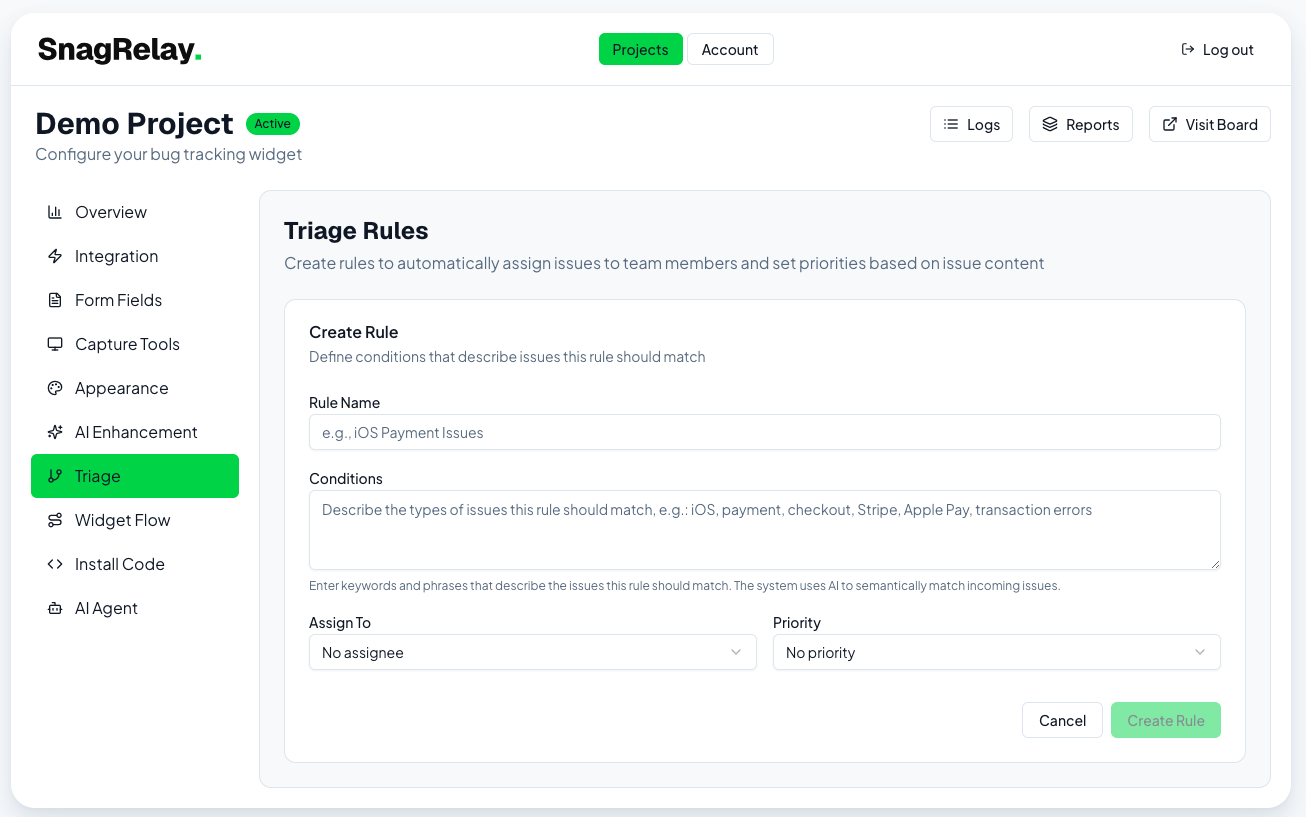
Triage Rules
Automatically assign, prioritize, and label incoming reports.
The Triage tab automatically sets an assignee, priority, and/or labels on incoming reports, based on a plain-language description of what should match:
"Anything mentioning checkout, payment, or Stripe" → assign to @dana, priority: Urgent
"UI or styling issues" → label: design, priority: Low
Matching is semantic, not keyword-based — the system compares each report's content against your rule descriptions and applies the best match above a confidence threshold. Rules are evaluated in priority order, and the first matching rule wins.
If no rule matches, the Project's default assignee (set on the Integration tab) is used instead, if configured.
For AI-generated titles and report enrichment, see AI Enhancement — a separate tab.
Screenshot