Project Setup
Capture Tools
Annotation tools and the screen recorder.
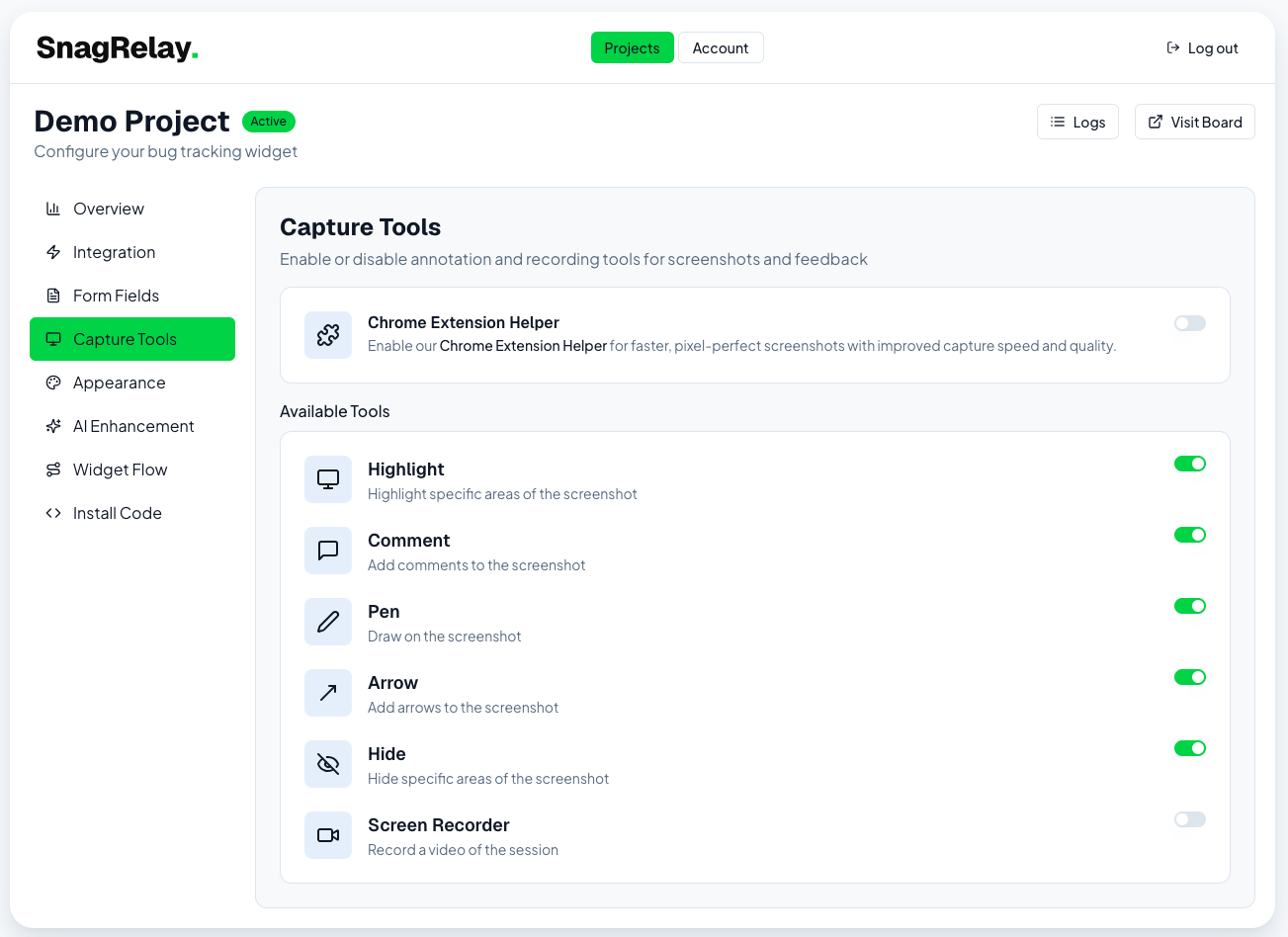
The Capture Tools tab controls what a reporter can do to the screenshot before submitting, plus the optional screen recorder.
Annotation tools
Toggle any combination of:
- Highlight — translucent highlighter
- Comment — numbered pin with a text note
- Pen — freehand drawing
- Arrow — pointer arrows
- Hide — redact sensitive areas of the screenshot (blackout box)
Annotation is available on every plan and isn't limited by plan tier.
Screen Recorder
When enabled, reporters can record up to a short screen capture (audio-free, video only) instead of — or in addition to — a static screenshot. Recordings are uploaded and attached to the tracker issue.
To capture without an embed script on the site, use the Chrome Extension install channel instead.
Screenshot